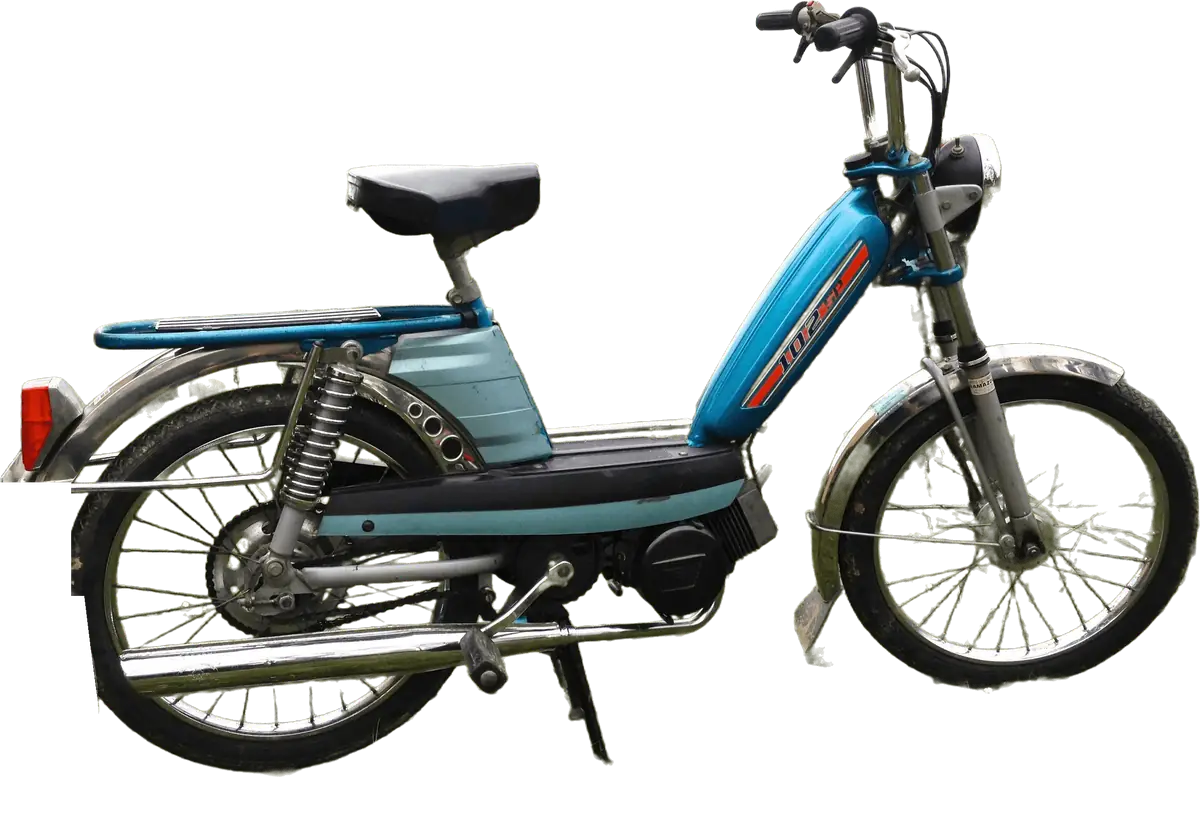
A copied invisible moped prompt fails because the clip depends on a negative, a pose, a chaser and a timing plan, and a block of pasted text covers none of those reliably. Crazy Frog AI is an independent tool that builds all of it into a fixed shot plan, so a Crazy Frog AI video comes from one photo and a scene choice instead of a prompt you have to debug. This post explains why the pasted versions go wrong and what the site does about each failure, without handing out a recipe.
The trend looks simple: a person crouches on a moped that is not there while a chaser closes in. That simplicity is what fools people. The clip asks a video model to draw a rider and leave out the vehicle, to hold one awkward pose, to keep a face stable while the camera moves, and to time a leap. Each is a place where a general-purpose model drifts.
Key takeaways
- A viral prompt is a snapshot of one lucky render, not a method. The same words give a different clip on the next run.
- Five faults show up again and again: the moped gets drawn in, the crouch turns into standing or walking, the face drifts from the photo, the chaser gets a real face, and the frog leap lands at the wrong time.
- None of these is fixed by adding more words. They are fixed by structure that is decided before the render starts.
- Crazy Frog AI builds that structure in, using Seedance 2.0 from ByteDance. Likeness is still not guaranteed, and the site says so.
What an invisible moped prompt is actually asked to do
One ten-second render of this trend has to deliver five beats in order. The site follows the same sheet on every render:
- The launch, from 0 to 2 seconds: you come straight at the camera in the riding crouch, with nothing under you.
- The weave, from 2 to 4.5 seconds: you lean into a curve and swerve around an obstacle, hair and clothes in the wind.
- The chaser, from 4.5 to 7 seconds: the chaser appears behind you and closes the gap, and you glance back.
- The frog leap, from 7 to 9 seconds: still in the crouch, you bounce up as if the invisible moped hit a bump, then land in the same pose.
- The getaway, from 9 to 10 seconds: you blast past the camera and the camera swings round to watch you go.
The trend explainer covers where the idea comes from, and the Axel F page covers the 2005 video behind the chase. What matters here is the shape: a pose that must not change, an object that must not appear, and a leap at a particular moment. A prompt copied from a video description is usually a few sentences about a mood, and a video model reads a mood and fills the gaps itself.
Those gaps are where the faults live. Sources also describe different versions of the trend, with a cop, a red motorcycle, a robot or no chaser at all, and which is the original is not settled.
Fault 1: the model draws the moped in
This is the most common failure and the most ironic. You ask for a person crouching on an invisible moped, and the render shows a moped.
It happens because a video model learns from footage in which a person in a riding crouch is almost always sitting on a vehicle. When a request says the moped is invisible, the model has to hold a rule that goes against that habit, and a rule about what should be absent is weaker than a picture of what should be present. Even naming the moped can pull it into the frame. The result is a wheel at the edge of the shot, a seat under the rider, a bike-shaped shadow, or a scooter that fades in halfway through.
Pasted prompts make this worse: they say it once, at the top, while the model generates ten seconds of video. By the fourth second the instruction is far away and the habit wins.
What Crazy Frog AI does about it:
- The shot plan treats the empty space under the rider as part of the picture and repeats the point across the whole clip instead of stating it once.
- The site tells you the limit. On the home page it says that models like to draw the moped in, and that now and then a wheel or a seat appears. A clear failure returns its credits automatically.
You can reduce this fault with a good photo and a good scene. No tool can promise it away.
Fault 2: the crouch turns into standing, walking or riding
The second fault is quieter. The render starts in the deep squat, fists out, and then the rider rises. Sometimes they sit upright as if on a real seat, and sometimes the legs begin to stride.
A deep squat held for seconds is an unusual pose, so the model has seen far fewer examples of it than of walking or sitting. A held pose also gives it little to animate, so it adds motion, and the most familiar motion is a stride. The leap makes it worse, because going up and coming back down in the same crouch is easily read as "stand up" and then forgotten. A pasted prompt names the crouch in a single phrase, and the model cannot know the squat is the whole joke.
What the site does about it:
- Every beat is written around the crouch. The launch, the weave and the chaser all describe the rider in the riding pose, so the pose is restated at each stage rather than assumed.
- The leap is described as a bounce that ends in the same pose, so landing back in the crouch is part of the beat, not a hope.
- The scene pages suggest a full-body photo, because a head-and-shoulders crop leaves the model guessing your legs, and guessed legs are the ones that start walking.
If a clip still stands up, try a different scene. The scenes page lists all six.
Fault 3: identity drift
A face that looks like you in the first second and like a cousin by the fourth is the fault people mention most. The model has to carry your face through a moving camera, a glance back and a bounce, and every frame is a fresh chance to drift.
A small face in a wide photo leaves few pixels to copy. Sunglasses, a low hat or a heavy beauty filter hide the features the model would otherwise keep, and night scenes take light from the face just when the camera moves. A pasted prompt cannot help, because the face is in the photo, not the text. Describing yourself in words usually makes it worse, since the model now has two sources of identity.
What helps on Crazy Frog AI:
- Use a sharp, evenly lit photo with the face large in the frame, front-facing or turned slightly, with no sunglasses. The how-to page walks through photo choice.
- Try a bright scene first. The Red Bike Race is sunlit and the Aisle Dash has flat, even light.
- Render again if one run is close and the next is not. That is variation, not a flaw in your photo.
Likeness is never guaranteed on any photo or any tool. A good photo improves the odds and does not remove the variation between renders.
Fault 4: the chaser gets a real face
The chaser should be a menace, not a person you could name. In the scenes on this site the cop wears a mirrored visor, the red bike rider a full-face helmet and the robot has a smooth faceless head.
A model asked for "a cop chasing" will draw a face, because faces are what it draws best. That face can be a stranger, a lookalike of the rider, or a blend of the two, so identity leaks between them and you get two people who look related. The site also does not want a chaser who resembles a real person, so each chaser is an original character with a covered or absent face. The Bounty Bot is a nod to the robot-chase idea of the 2005 video, not a copy of that character.
A pasted prompt describes the chaser loosely and leaves the face to the model. If a chaser comes out with a clear human face, that is the model improvising, and a new render or another scene usually fixes it.
Fault 5: the frog leap lands at the wrong time
The leap is the part people remember, and the hardest to time. In the shot plan it sits between 7 and 9 seconds, after the chaser has closed the gap.
Video models do not count seconds the way a person does. They generate a clip as a whole, so a leap described in a sentence can appear early, late, twice, or not at all. Too soon spends the tension before the chaser arrives, too late squeezes the getaway, and a leap that is too big turns into a jump, which breaks the crouch from Fault 2. Pasted prompts use a vague word such as "flip" or "frog-style jump" that means different things in different tools. The site chose a bounce, because it keeps the pose and reads as the joke.
What the site does about timing:
- The five beats have fixed windows, and the leap has its own two seconds. The chaser is allowed to appear before it, not during it.
- Timing is close, not frame-exact. If a leap feels early or late, a second render is a new draw, and another scene may be framed differently enough to help.
Why a lucky render does not travel
All five faults share one cause: the output of a video model is a sample, not a calculation. When someone posts a clip and a prompt together, you see the best sample from perhaps many tries, and the prompt carries none of that selection. This is also why the site does not publish its own prompt: it would fail in other tools and the trend would take the blame.
What to do instead on Crazy Frog AI
If you came here because a copied prompt let you down, the shortest path is to stop writing and change an input. There are three levers, and they map onto the faults above.
- Change the photo. This is the strongest move. A sharp, evenly lit, full-body photo with no sunglasses helps the crouch, the face and the outfit at once.
- Pick a scene. The six scenes are the Hover-Bike Cop, the Red Bike Race, the Bounty Bot, the City Run, the Office Escape and the Aisle Dash. The setting and chaser change, while the crouch and the timing stay the same. Bright scenes help likeness.
- Choose a higher quality. 720p and 1080p add sharpness, not accuracy. They will not repair a drifting face or a wrong pose, and they can make the fault easier to see. Use them when a clip looks soft on a large screen.
A render costs 10 credits at 480p, 22 at 720p and 40 at 1080p, and every clip is a ten-second MP4 with the original sound of the viral trend clip in 9:16 or 16:9. Packs are one-off payments of $9.99 for 10 credits, $24.99 for 30 and $69.99 for 100, with no free tier and no subscription. A render takes about five minutes. If a render fails or is blocked, the credits come back automatically, but packs are not refundable and a finished render uses its credits. The pricing page has the full table.
The prompt page explains the built-in plan without printing it, the race page covers the race version and the invisible bike page covers where the pose comes from. If a clip has already gone wrong, the mistakes guide lists each fault with its fix, and once you have a clip you like, the posting guide covers the sound and the labels.
What this post does not promise
It does not promise that any single render will be flawless. Seedance 2.0 is a general video model, and the shot plan lowers the odds of each fault without removing them. Hands may change slightly between frames, a wheel or a seat may still appear, and the face may drift. Crazy Frog AI is also unofficial and not affiliated with Crazy Frog, its creators, its trademark owners or its record labels. Use your own photo, or the photo of an adult who agreed to it.
Frequently asked questions
Can I copy a Crazy Frog AI prompt from a viral post and get the same clip?
No, a copied prompt will not reliably give the same clip, and Crazy Frog AI does not publish or need one. The same words produce a different render each time, and none of them fixes the crouch, the chaser or the leap timing. The site builds that plan into 6 scenes and 10 seconds, from one photo.
Why does a moped appear in my invisible moped video?
A moped appears in a Crazy Frog AI video because video models link a riding crouch with a vehicle, so they tend to draw one in. The site builds the empty space under the rider into every beat, but a wheel or seat can still show up now and then. Render again, pick another scene, or use a clearer full-body photo.
Why does the rider stand up instead of staying in the crouch?
The rider in a Crazy Frog AI video stands up because a deep squat is an unusual pose, and models drift toward standing, walking and sitting. The site writes the crouch into every beat, including the leap, but it cannot promise it. A full-body photo and a different scene are the best fixes.
Why does the face drift in some Crazy Frog AI videos?
The face in a Crazy Frog AI video drifts because the model must carry it through camera motion, a glance back and a bounce, and each frame is a new chance to change. The site copies likeness from your photo, so a sharp, evenly lit, front-facing picture without sunglasses helps most. Likeness is never guaranteed, and a new render is a fresh draw.
Does a higher quality fix a bad Crazy Frog AI render?
No, a higher quality on Crazy Frog AI adds sharpness, not accuracy, so 720p at 22 credits and 1080p at 40 credits will not repair a drifting face or a standing rider. It can make faults easier to see. Use it when a clip looks soft on a large screen, and change the photo or scene for everything else.