To make the crazy frog ai video, upload one clear photo to Crazy Frog AI, pick a scene and a format, and generate. There is no prompt to write and nothing to edit; the 10-second clip takes about five minutes to render. Open the generator.
How do I make the Crazy Frog AI video in four steps?
1. Pick a clear photo
Full body or at least head to hips, front-facing, good light, one person. Whatever you are wearing in the photo is what you wear in the video, so choose the outfit on purpose.
2. Choose the scene and the format
Pick one of 6 scenes: a hover-bike cop, a red bike race, a robot, a taxi, an office or a supermarket. Choose 9:16 for TikTok, Reels and Shorts, or 16:9 to match the original clip.
3. Generate and download
Choose 480p (10 credits), 720p (22) or 1080p (40), then generate. The clip is 10 seconds long and comes with the original sound of the viral trend clip; the video is rendered silent and that sound is added afterwards. Download the MP4 within 24 hours, because the link expires after that.
4. Post it, swap the sound if you like
Open the app you post to and publish. The MP4 already has the original sound of the viral trend clip. If you want the official Crazy Frog Axel F recording or another song instead, swap the sound in the app's sound library. The song is explained on the Crazy Frog Axel F page.
Crazy Frog AI vs doing it yourself: what is the difference?
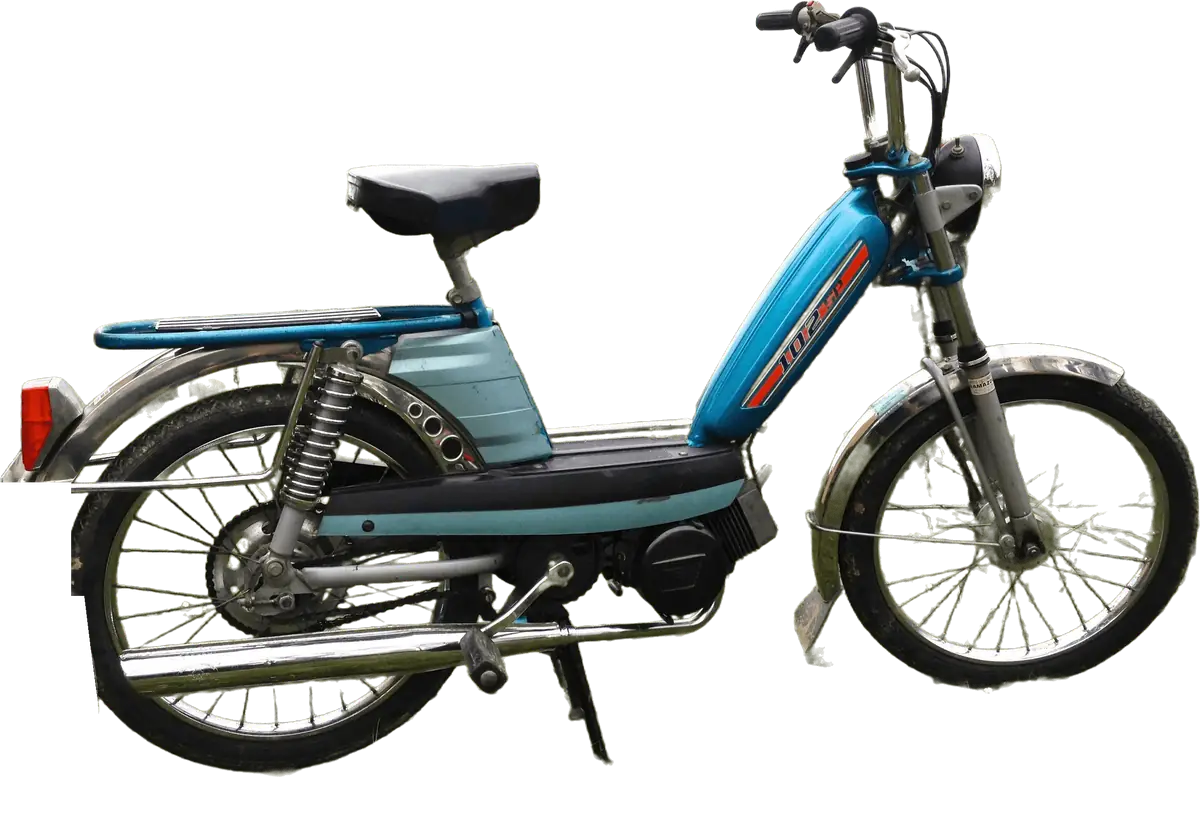
Creators who make the trend by hand usually combine several tools: a motion-transfer tool such as Higgsfield or a general AI video model, a reference clip of the movement, repeated prompt attempts and an editor for the sound. Crazy Frog AI replaces that with one photo. For why a prompt alone is not enough, read the Crazy Frog AI prompt page.
| Crazy Frog AI | By hand | |
|---|---|---|
| What you supply | One photo | Photo, a reference clip of the movement, a prompt |
| Tools | The browser | A motion-transfer tool or video model, plus an editor |
| Attempts | One, and a clear failure returns its credits | Several, since the result changes on each run |
| Typical failures | Handled in the scene | A moped drawn in, a face that drifts, a chaser with a strange face |
| Time | About five minutes of rendering | Longer, mostly spent on retries |
| Cost | From 10 credits, packs from $9.99 | A paid account plus every failed attempt |
By hand is a real option for people who enjoy tinkering. It is not the quick one, and it is not covered here.
Which photo gives the best Crazy Frog AI video?
- Show your whole body. The camera follows the chase from head to shoes.
- Wear something that stands out from grey road or concrete, such as bright colours.
- Take it in even daylight, without sunglasses, a hat brim over the eyes or a heavy beauty filter.
- Use one person only. A pet may not hold the crouch, and Crazy Frog AI does not accept photos of celebrities or anyone under 18.
How do I post the Crazy Frog AI video?
Upload the MP4 to TikTok, Instagram Reels or YouTube Shorts, optionally swap the sound inside the app and switch on the AI-generated label where the app offers one. The clip has no watermark. Credit packs start at $9.99 for 10 credits; there is no free tier and packs are not refundable (pricing). Crazy Frog AI is unofficial and uses no Crazy Frog artwork, footage or audio. Ready? Make my video. To learn about the trend first, read the Crazy Frog AI trend explained, with a timeline.